
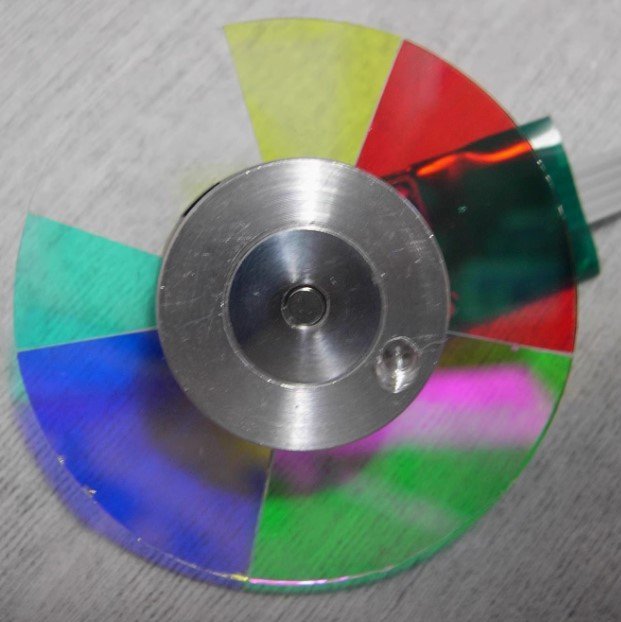
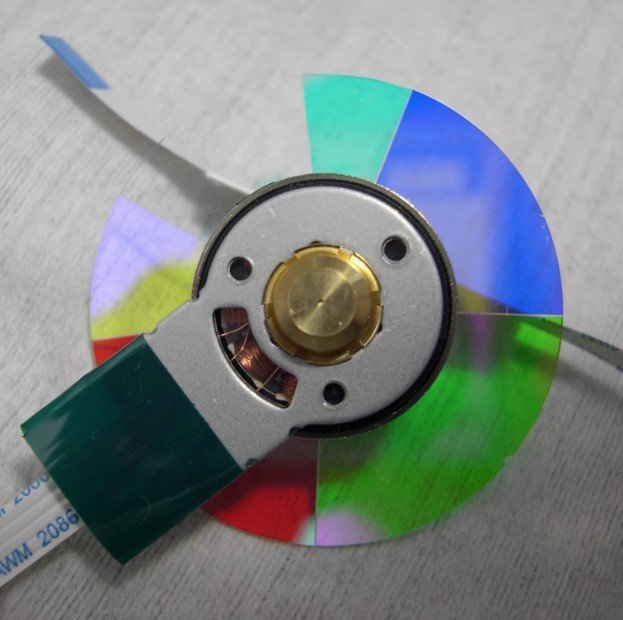
Original ACER X1130P Color Wheel Replacement
If your ACER X1130P projector powers on but shuts down shortly afterward, produces a high-pitched spinning noise, or displays incorrect colors, the color wheel is often the cause.
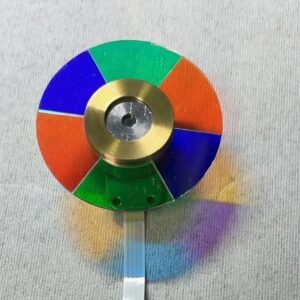
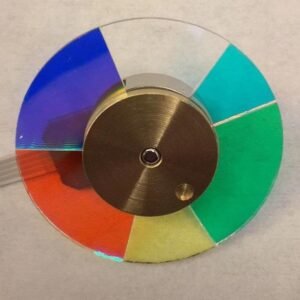
This genuine replacement color wheel is designed specifically for the ACER X1130P projector. It features the original RGBCWY segment configuration and factory-balanced Nidec motor for smooth operation and accurate color reproduction.
| Compatible Models | ACER X1130P, Viewsonic PJD5122 |
| Segment Configuration | RGBCWY (6 Segments) |
| Rotation Speed | 4x Speed |
| Motor Type | Original Nidec Motor |
| Condition | New & Original |
Common ACER X1130P Color Wheel Problems
- Projector shuts down after startup
- Grinding or buzzing sound from inside the projector
- Color flickering or rainbow artifacts
- Yellowish whites or inaccurate color reproduction
- Startup failure caused by color wheel synchronization errors
Why Choose an Original ACER Color Wheel?
The X1130P optical engine is calibrated for an RGBCWY color wheel operating at 4x speed. Using a wheel with a different segment sequence can lead to startup errors, color imbalance, or reduced image quality.
This original replacement restores the projector to factory specifications and ensures proper communication with the DLP controller.
Installation Notes
Replacement requires opening the projector housing and disconnecting the color wheel ribbon cable. Experienced technicians can typically complete installation within 20–30 minutes.
Reviews
There are no reviews yet.