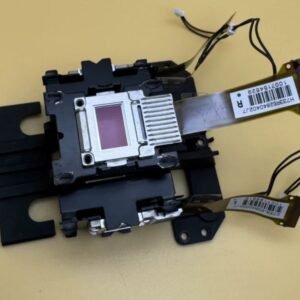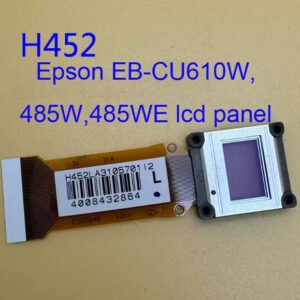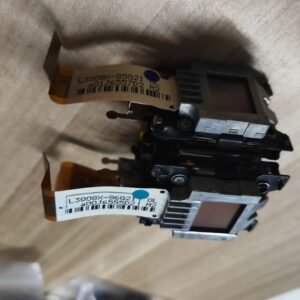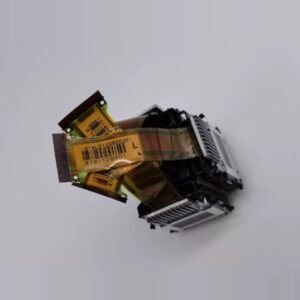
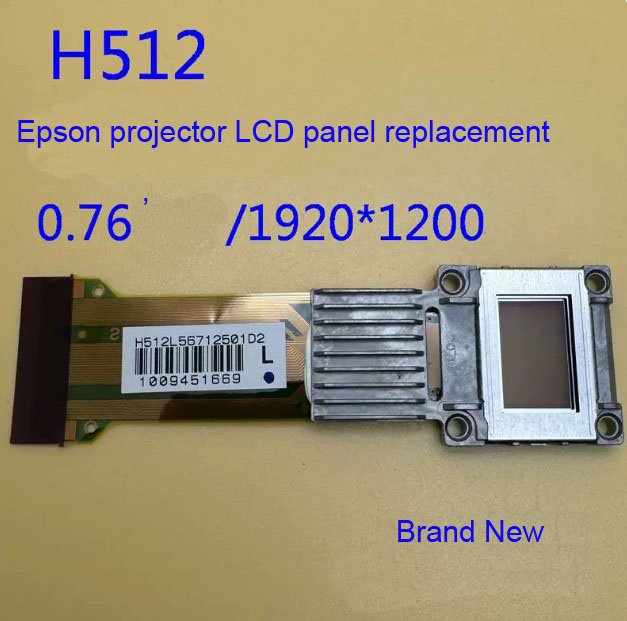
Epson H512L LCD Panel – Genuine Replacement for CB‑1980WU / 1985WU / G6550WU WUXGA Projectors
If your Epson CB‑1980WU / 1985WU / G6550WU WUXGA Projectors is showing dead or stuck pixels, vertical lines, uneven color patches, or a noticeable drop in contrast on one color (red, green, or blue) – the individual LCD panel inside the optical engine has failed. This genuine Epson H512 LCD panel is the exact service part to restore full WUXGA image quality.
This is not a salvaged or refurbished panel. Factory-fresh high‑temperature polysilicon LCD with correct polarizer alignment and contrast ratio. The H512 panel is specifically calibrated for the 1980WU/1985WU/G6550WU series. Each new panel includes the prism assembly and mounting frame for direct drop‑in replacement.
| Compatible Models | Epson CB‑1980WU (EB‑1980WU), CB‑1985WU (EB‑1985WU), Epson G6550WU (EB‑G6550WU) Also fits: CB‑1975WU, CB‑1980U series with the same optical block |
|---|---|
| Part Number / Model | H512 (Epson LCD panel) |
| LCD Specification | WUXGA (1920 x 1200) native resolution, high‑aperture 3LCD panel |
| Condition | New, original Epson service part (not refurbished or third‑party) |
Why an LCD panel fails – and why you need the genuine H512
Epson’s high‑brightness WUXGA projectors run hot, especially in permanent installations. Over time (typically 5,000‑10,000 hours), individual LCD panels can develop:
- Stuck or dead pixels – bright or dark dots that never change, scattered across the image.
- Vertical or horizontal lines – thin lines that run across the entire screen on one color.
- Color‑specific contrast loss – one color (usually red or blue) appears washed out or dim compared to the others.
- Color patch or burn‑in – a persistent discolored area, usually from heat damage to the polarizer.
A third‑party or reused panel may have mismatched contrast, incorrect polarizer alignment, or different response times – causing color imbalance that cannot be corrected with projector settings. This genuine H512 panel matches the original optical specifications, ensuring uniform brightness and accurate color across all three LCDs.
Which panel do you need? (Red, Green, or Blue)
Inside the optical engine, each color (R, G, B) has its own LCD panel with a different polarizer orientation. To determine which panel failed:
- Display a full white screen – if one color is noticeably missing or weak, that color’s panel is failing.
- Display red, green, and blue screens separately – a dead or stuck pixel will be most visible on its native color screen.
- Contrast loss on one color – when showing a test pattern, one color appears grayish or washed out.
We stock individual H512 panels for each color. If you are unsure which panel failed, send us a photo of the projected test pattern, and we will help identify the correct replacement.
Restore your CB‑1980WU or G6550WU – not the whole projector
Replacing a single LCD panel costs a fraction of buying a new high‑brightness WUXGA projector. The repair requires careful disassembly of the optical engine, but for an experienced technician, it is a 2‑3 hour job. The service manual provides step‑by‑step instructions for panel alignment and optical path cleaning. Once the new H512 panel is installed, your 1980WU or G6550WU will deliver uniform pixel‑perfect images again – no more lines, no more stuck pixels, no more color patches.
Note: Because the G6550WU and CB‑1980WU share the same optical block, the H512 panel is cross‑compatible between these models. To confirm compatibility, send us a photo of your original panel assembly showing the H512 marking.