
Optoma EH502 Color Wheel Replacement – New Original
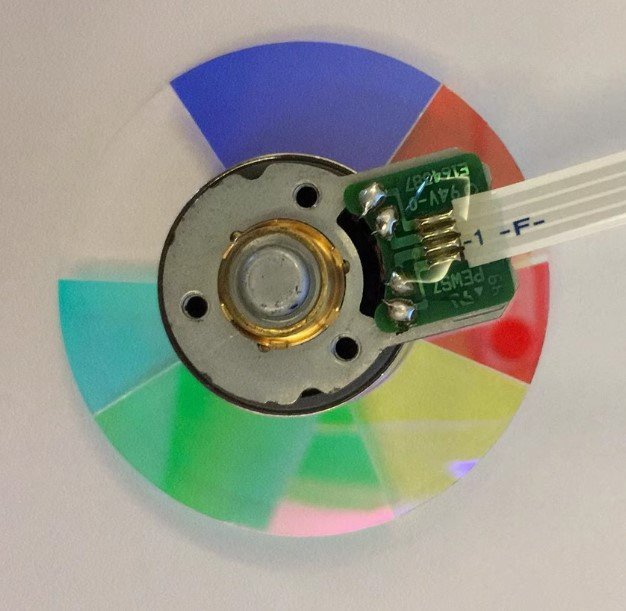
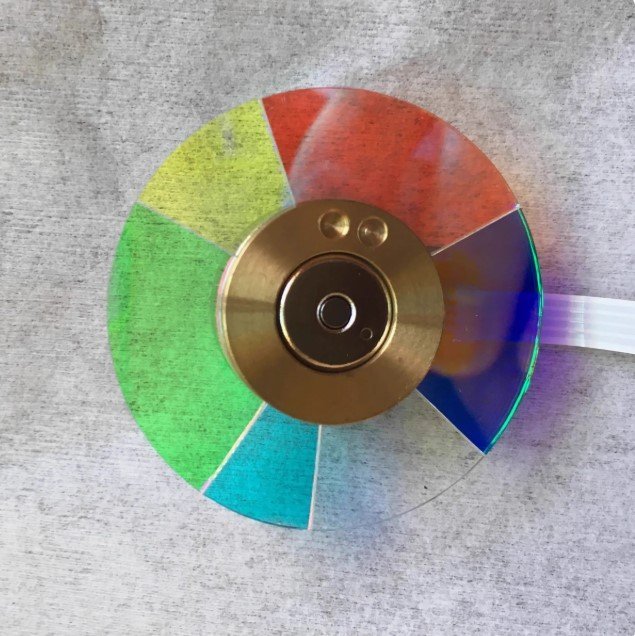
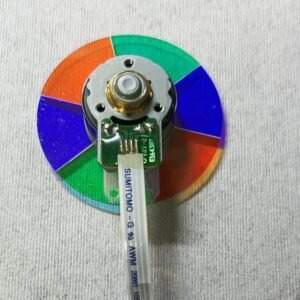
If your Optoma EH502 high‑brightness projector has started showing any of these signs — auto shut‑down seconds after power‑up, strange mechanical noise (whining or grinding), image flicker, or abnormal colors (skin tones look green, reds turn orange) — don’t assume the whole unit is dead. In most cases, the problem is a worn‑out color wheel. This new original EH502 color wheel with 6 segments (R‑Y‑G‑C‑W‑B) is the exact replacement you need, specifically designed for the high‑brightness version of this installation projector.
This is not a refurbished pull from another machine. It’s not a cheap imitation with coatings that delaminate after a few weeks. It comes from the same service channel as factory repair parts — identical glass, mirror coating, and dynamic balance. The EH502 is built for large venues, lecture halls, and auditoriums; this wheel meets Optoma’s original high‑brightness specifications.
| Compatible Model | Optoma EH502 (high‑brightness installation / professional series) |
| Condition | New & Original (not refurbished) |
| Segment Configuration | 6 segments |
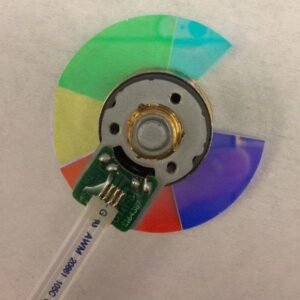
| Color Sequence | R‑Y‑G‑C‑W‑B (Red, Yellow, Green, Cyan, White, Blue) |
| Special Feature | High‑brightness optimized – enhanced white segment for lumen output |
| Installation | Direct replacement – same mounting holes & flex cable |
Why these symptoms point to a failing color wheel
The EH502’s DLP engine relies on a high‑speed color wheel. A dying bearing creates mechanical noise. If the wheel fails the self‑check, the projector auto shuts down right after the lamp lights. Damaged segments or balance issues cause image flicker, rainbow artifacts, or completely wrong colors. Replacing with this original high‑brightness RYGCWB wheel cures all of these problems at once.
Why the exact RYGCWB sequence matters for the high‑brightness version
The EH502 is designed to deliver high lumens for large venues. Its firmware is hard‑timed to this specific 6‑segment order, with an enhanced white segment that boosts light output without sacrificing color accuracy. The cyan segment improves color range for video and graphics — essential for professional presentations. Drop in a wheel with a different sequence (like RGBRGB or a standard‑brightness RYGCWB), and the projector may fail its self‑check, produce wrong colors, or lose its brightness advantage. This original wheel is what Optoma designed for the high‑brightness EH502 — no substitutes work correctly.
Restore your EH502 — not the whole projector
Swapping the color wheel is a straightforward repair for anyone comfortable opening a projector case. The new wheel mounts exactly to the original screw holes, and the flex cable connector is a perfect match. Once installed, the fresh bearing kills the noise, the factory balance stops vibration, and the high‑brightness color decoding comes back. Don’t scrap a perfectly good DLP chip and lamp. Replace the one part that actually wears out – and keep your auditorium or lecture hall running bright and clear.
Note: Compare this wheel’s diameter and segment pattern with your old one. Contact us with photos if you need confirmation.
Reviews
There are no reviews yet.