
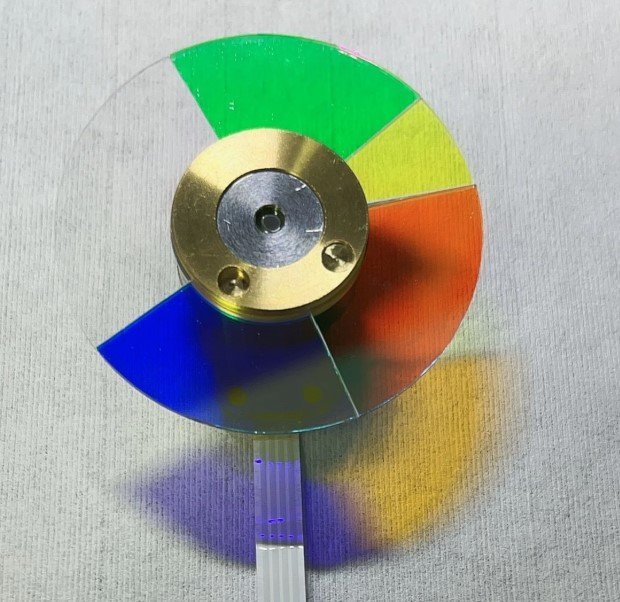
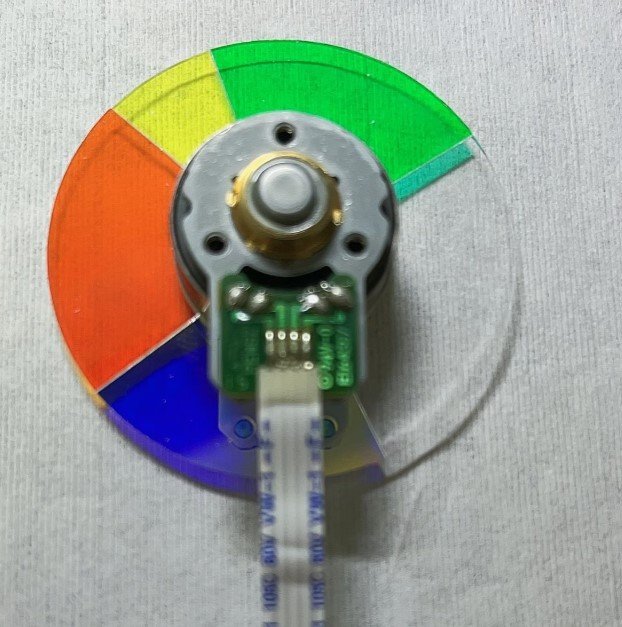
Optoma EX774 Color Wheel Replacement – 4x Speed, 5 Segments RYGWB
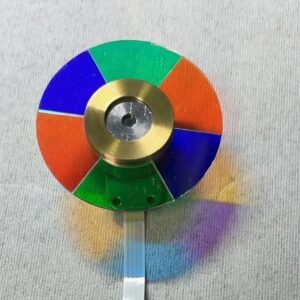
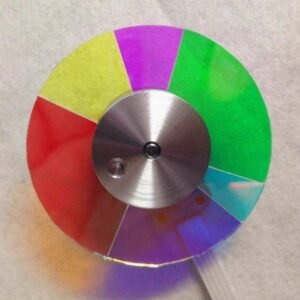
Optoma EX774 shutting down after startup, making grinding noise, or showing washed‑out colors? Don’t rush to replace the whole projector – that’s almost always the color wheel. Replace it with this genuine Optoma EX774 color wheel, factory fresh, not a cheap copy. Exact specs: 5 segments, 4x speed, RYGWB sequence (Red, Yellow, Green, White, Blue).
| Compatible Model | Optoma EX774 |
| Condition | Brand new, 100% Original Optoma part |
| Segments | 5 – RYGWB |
| Speed | 4x – balanced for brightness & rainbow reduction |
| Installation | Direct replacement, reuse original housing |
Why RYGWB & 4x Speed Matter
The EX774 uses RYGWB timing for bright, reliable XGA presentations. The white segment boosts overall brightness for well‑lit classrooms and meeting rooms, while the yellow segment improves color saturation and skin tone accuracy. 4x speed offers balanced rainbow reduction without extra motor wear – ideal for daily use. Using a different wheel will cause startup failure or permanently wrong colors.
Key Benefits of This Genuine Replacement
- 4x speed – durable, reliable for daily presentations
- RYGWB design – bright, accurate colors with white boost
- Factory‑balanced rotor for quiet, stable operation
- 100% original Optoma part – factory fresh
Signs Your Color Wheel Is Failing
- Projector shuts down seconds after power‑on
- Grinding or high‑pitched whining noise
- Flickering image or rainbow artifacts
- Washed‑out colors, yellow/pink whites, or poor brightness
Replacement takes about 20 minutes if you’re comfortable opening a projector. The mounting holes align perfectly, and the flex cable connects directly. Fresh bearing kills noise, factory balance stops vibration.
Don’t scrap your projector. Replace the one component that actually wears out – and get back to bright, reliable presentation performance.
Tip: Match segment pattern (RYGWB) and diameter with your old wheel. Send a photo if unsure.
Reviews
There are no reviews yet.