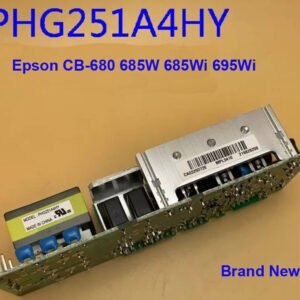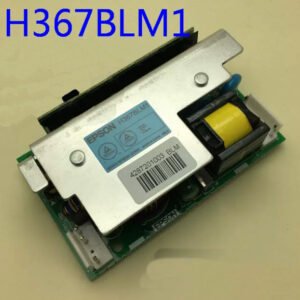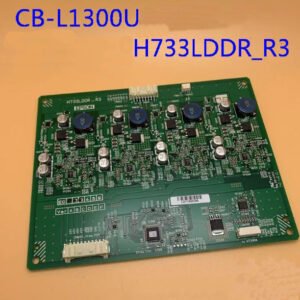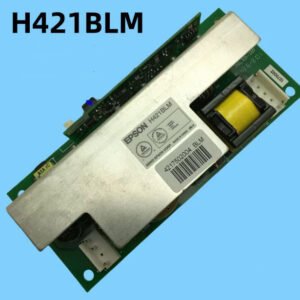
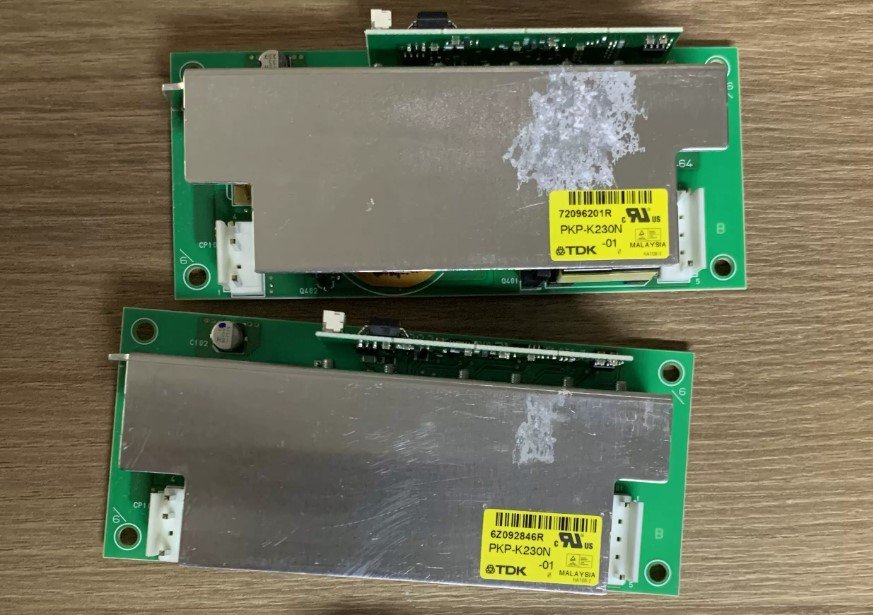
Epson EB-C2050WN / C2070WN / C2080XN / C1020XN Projector Ballast – Genuine PKP‑K230N (Yellow Label)
If your Epson projector won’t power on the lamp, shuts down with a flashing red error code, or makes no light despite the fan running, the problem is often a failed ballast board. This genuine Epson PKP‑K230N lamp driver board with the distinctive yellow label is the exact replacement you need – and it will only work in the specific models listed below.
⚠️ Important compatibility notice: This is the yellow‑label PKP‑K230N. A white‑label version of PKP‑K230N also exists, but it is not electrically compatible with Epson C2050WN / C2070WN / C2080XN / C1020XN. Only the yellow‑label board will restore normal operation in these education/installation projectors.
| Compatible Models | Epson EB‑C2050WN, EB‑C2070WN, EB‑C2080XN, EB‑C1020XN (also known as C series education/installation projectors) |
|---|---|
| Part Number / Label | PKP‑K230N – ✧ Yellow Label ✧ (Not compatible with white‑label PKP‑K230N boards) |
| Component Type | Projector Lamp Driver / Ballast |
| Condition | New, non‑refurbished, genuine Epson specification |
| Installation | Direct replacement – matches original mounting holes and flex/connector interfaces |
| Common Failure Symptoms | • Power LED flashes green for a few minutes, then changes to flashing red / internal error • The lamp does not light (output to bulb remains 0V) • Mechanical buzzing or no ignition sound after startup • Projector powers up but shows “Lamp” error or shuts down after warm‑up |
Restore your Epson C‑series projector – not the whole machine
Swapping the ballast board is a simple repair for anyone comfortable opening a projector. The replacement board fits exactly in the original mounting holes and the connectors are identical. Before installation, always unplug the projector and allow the internal power supply to discharge. Once fitted, the projector should ignite the lamp normally and run without error codes.