
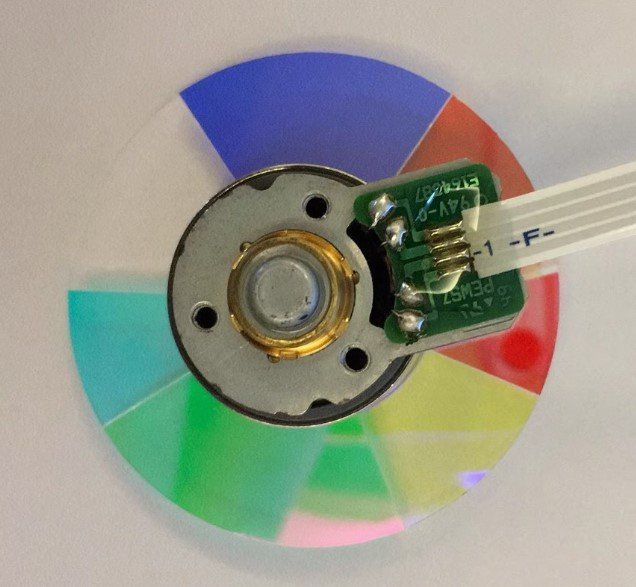
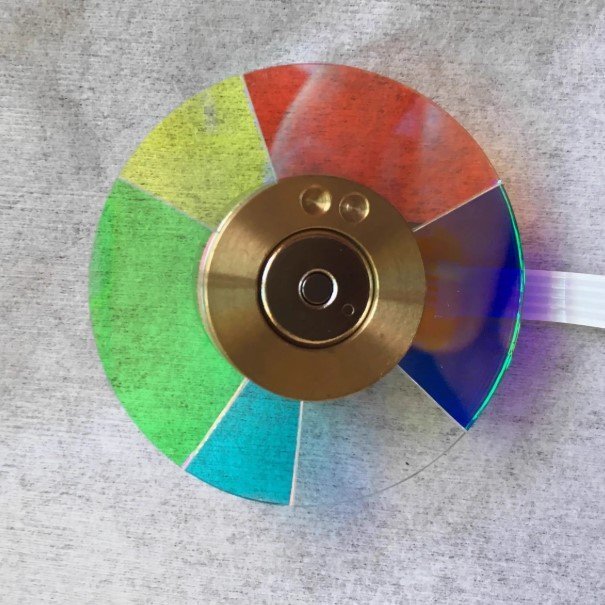
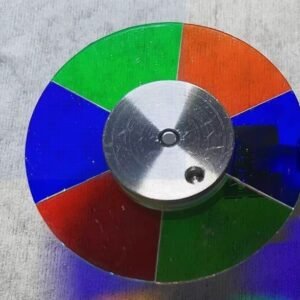
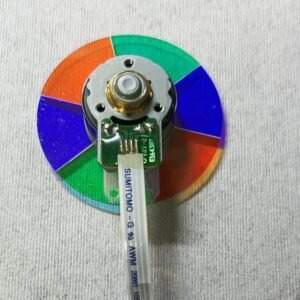
Optoma W319ST Projector Color Wheel – New Original 6 Segment RYGCWB
If your Optoma W319ST short‑throw projector has started acting up — strange colors, a persistent rainbow shimmer, or that annoying high‑pitched whine every time you power it on — don’t assume the whole unit is done for. Nine times out of ten, it’s just a worn‑out color wheel. This new original W319ST color wheel is the exact replacement you need to get things back to normal.
This is not a refurbished pull from another projector. It’s not a cheap knock‑off with coatings that flake off after a few weeks. It comes from the same service channel as factory repair parts — identical glass thickness, same mirror coating, and proper dynamic balance. AV technicians who maintain classrooms and conference rooms keep these on their shelves for a reason.
| Compatible Model | Optoma W319ST (short‑throw / education / business series) |
| Condition | New & Original (not refurbished) |
| Segment Configuration | 6 segments |
| Color Sequence | R‑Y‑G‑C‑W‑B (Red, Yellow, Green, Cyan, White, Blue) |
| Installation | Direct replacement – original mounting holes & flex cable |
Why the W319ST needs this specific RYGCWB sequence
The W319ST is built for bright classrooms and meeting rooms where short‑throw placement is key. Its DLP chip and firmware are hard‑timed to a 6‑segment RYGCWB color wheel. The order — Red, Yellow, Green, Cyan, White, Blue — must be exact. Drop in a different wheel, even another 6‑segment one, and the projector may fail its self‑check or produce permanently wrong colors. The white segment is critical here: it boosts lumen output for well‑lit rooms (essential for short‑throw installations near whiteboards or screens). The cyan segment improves color range for videos, graphs, and presentations. No white segment? You lose brightness. Wrong order? The projector won’t cooperate.
Real‑world signs your W319ST color wheel is failing
You don’t need a service manual. Listen: a rhythmic grinding or constant whine that changes pitch with brightness — that’s a dying bearing. Look: rainbow trails behind fast mouse movements, or colors that suddenly look washed out, inverted, or just plain weird. And if the projector powers on, the lamp lights, but the screen stays dark or it shuts down after a few seconds — the color wheel has failed its self‑test. A fresh original wheel fixes every single one of these issues in one straightforward swap.
Get your W319ST back to work — not the whole projector
Swapping the color wheel is a doable repair for anyone comfortable opening a projector case. The new wheel mounts exactly to the original screw holes, and the flex cable connector is a perfect match. Once installed, the fresh bearing spins quietly, the factory balance eliminates vibration, and the mirror coating restores correct color decoding. Your W319ST will pass its startup check and deliver bright, accurate images again — no more noise, no more weird colors. Don’t replace the whole projector when only the color wheel has worn out. This is the cost‑effective fix that keeps your classroom or conference room running smoothly.
Reviews
There are no reviews yet.