
Optoma EX762 Color Wheel Replacement – Original 5-Segment RYGWB
If your Optoma EX762 DLP projector has started shutting down seconds after power-up, making a grinding or whining noise, showing rainbow flicker, or producing colors that look completely off – don’t assume the whole unit is dead.
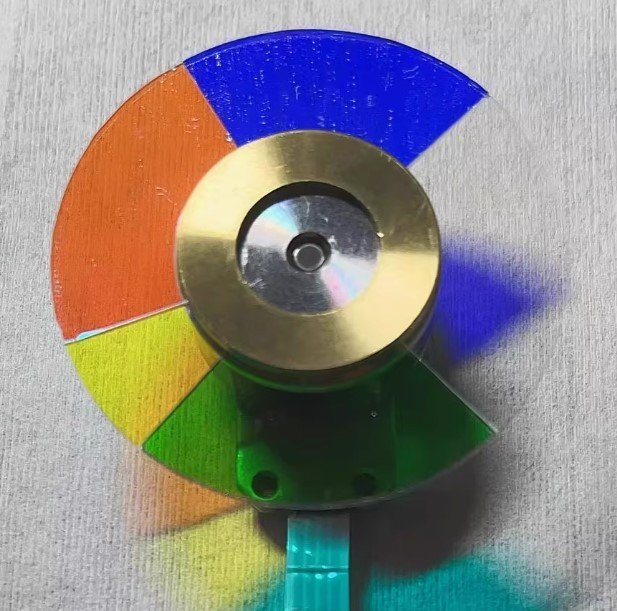
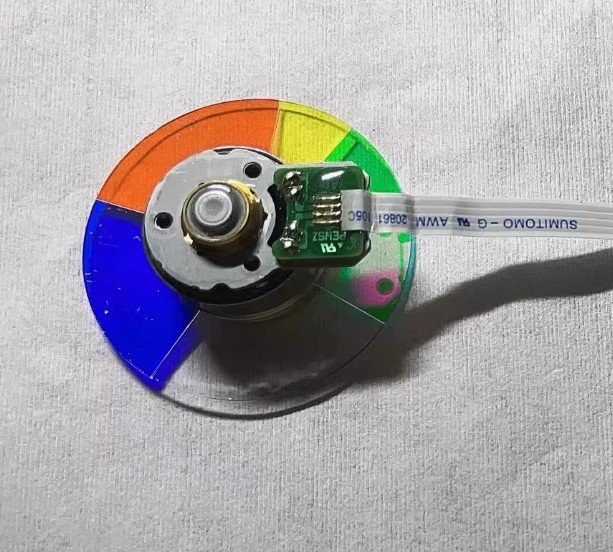
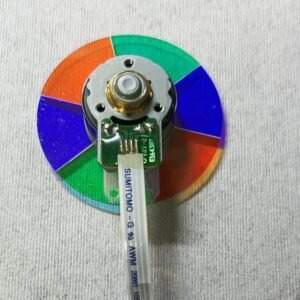
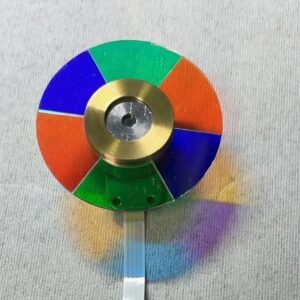
In most cases, the problem is a worn-out color wheel. This new original Optoma EX762 color wheel with 5 segments (RYGWB) is the exact replacement you need to bring your installation or classroom projector back to life.
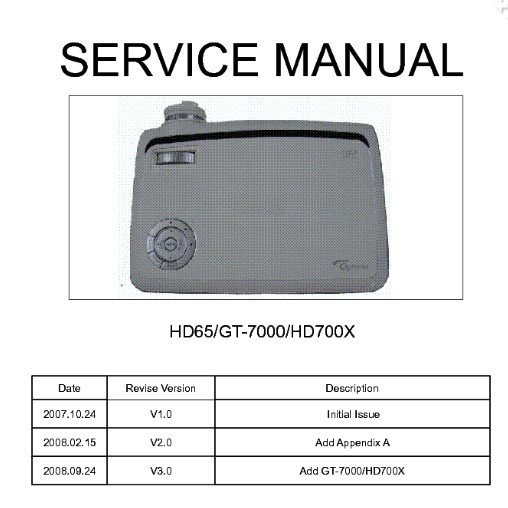
It’s not a refurbished pull from another projector. Not a cheap copy with coatings that delaminate after a few weeks. Factory glass, original mirror coating, proper dynamic balance – exactly what Optoma installed when your EX762 was new. A service manual is available to guide you through the replacement process.
| Compatible Model | Optoma EX762 (DLP installation / education / business series) |
|---|---|
| Condition | New & Original (not refurbished) |
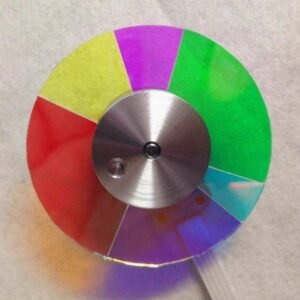
| Segment Configuration | 5 segments – RYGWB (Red, Yellow, Green, White, Blue) |
| Rotation Speed | Matches original EX762 timing (check your old wheel label if needed) |
| Service Manual | Available upon request – ask for the download link |
| Installation | Direct replacement – original mounting holes & flex cable |
Why the EX762 needs this exact 5-segment RYGWB wheel
The EX762’s DLP timing is hard-coded to Red-Yellow-Green-White-Blue. The dedicated white segment boosts brightness for well-lit classrooms and meeting rooms, while the yellow and green segments maintain good color accuracy for presentations and video. Using a wheel with a different segment order (e.g., 6 segments or RGBRGB) will cause the projector to fail its self-check or produce permanently wrong colors. This original wheel is what Optoma designed – no substitutes work correctly.
Real-world signs your EX762 color wheel is failing
- Auto shut-down – powers off a few seconds after the lamp lights (failed self-test).
- Mechanical noise – constant whining, grinding, or rattling that changes with brightness.
- Image flicker or rainbow artifacts – flashing picture or color trails on fast motion.
- Abnormal colors – skin tones look green, reds turn orange, whites have a pink tint.
Restore your EX762 – not the whole projector
Swapping the color wheel is a straightforward DIY repair for anyone comfortable opening a projector case. The new wheel mounts exactly to the original screw holes, and the flex cable clicks right in. A fresh bearing kills the noise, factory balance kills vibration, and the 5-segment mirror coating restores correct color decoding. The service manual is available to help you along the way. Don’t scrap a perfectly good DLP chip and lamp – just change the one part that wears out. Keep your installation running smoothly for years to come.
Note: Compare this wheel’s diameter and segment pattern with your old one. Send us a photo if you’re unsure about compatibility.
Reviews
There are no reviews yet.