
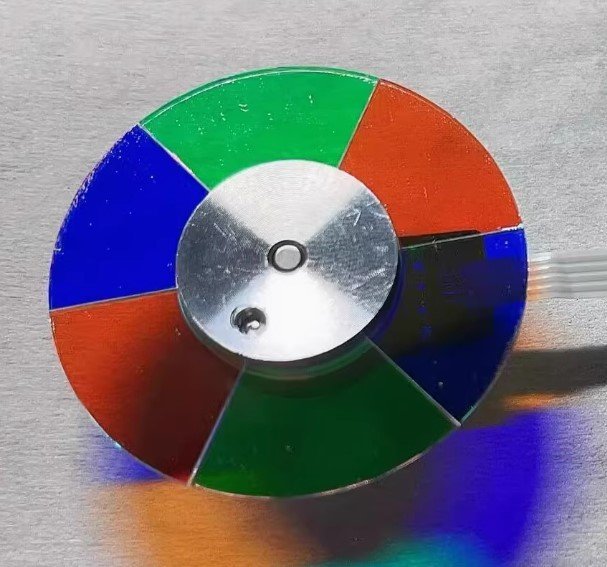
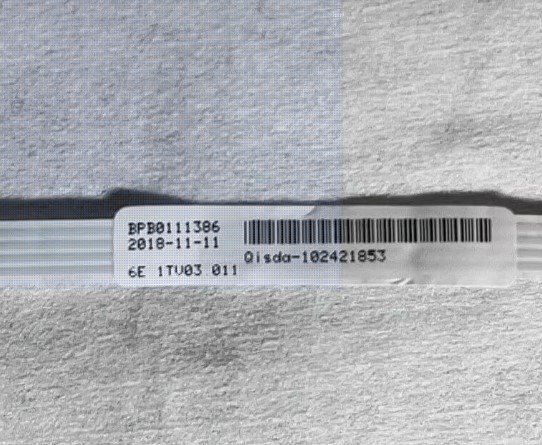
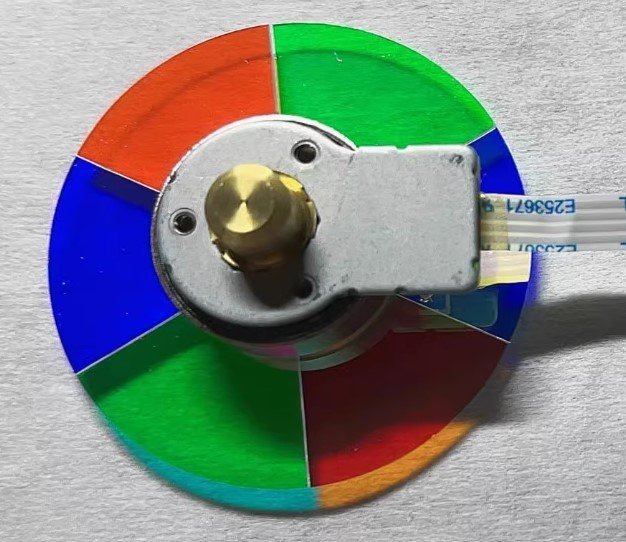
BenQ W1130 Projector Color Wheel Replacement – 6 Segment RGBRGB (6x Speed, Genuine Label 102421853)
If your BenQ W1130 projector shows rainbow artifacts, flickering, incorrect colors, or starts making a high-pitched whining noise, the issue is usually a worn-out color wheel. Replace it with this genuine BenQ W1130 color wheel replacement, factory-grade with authentic label 102421853.
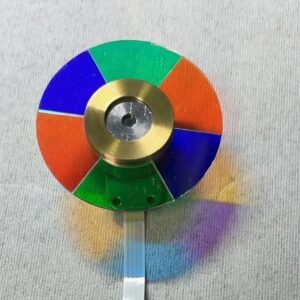
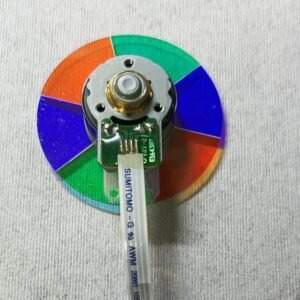
This unit features a 6-segment RGBRGB color wheel (Red, Green, Blue, repeated twice) running at 6x speed. Unlike wheels with white segments, RGBRGB is designed for maximum color accuracy and saturation, making it ideal for home theater and gaming use.
| Compatible Model | BenQ W1130 |
| Condition | Brand new, 100% Original BenQ part |
| Segment Configuration | 6 segments – RGBRGB |
| Rotation Speed | 6x – reduces rainbow effect |
| Label / Part Number | 102421853 (genuine identification label) |
| Installation | Direct replacement – reuse original housing if needed |
Why RGBRGB Color Wheel Matters
The W1130 uses a RGBRGB color wheel, meaning two full cycles of red, green, and blue without a white segment. This design delivers higher color accuracy, deeper saturation, and better cinematic image quality compared to RYGCWB or RGBCWY wheels. It is especially important for movies and gaming where color fidelity matters.
Common Symptoms of a Failing Color Wheel
- Rainbow artifacts or flickering image
- Incorrect or washed-out colors
- High-pitched whining or grinding noise
- Projector shuts down after startup
Replacing the worn unit restores smooth operation, eliminates noise, and brings back the original color performance of your projector.
Installation typically takes about 20 minutes. Mounting points align perfectly, and the flex cable connects directly.
Don’t replace the entire projector. Restore performance with this BenQ W1130 color wheel replacement.
Tip: Verify the RGBRGB segment pattern and label number (102421853) with your original wheel. Contact us with a photo if unsure.
Reviews
There are no reviews yet.