
Fix Your BenQ MX704 – Original Color Wheel Replacement
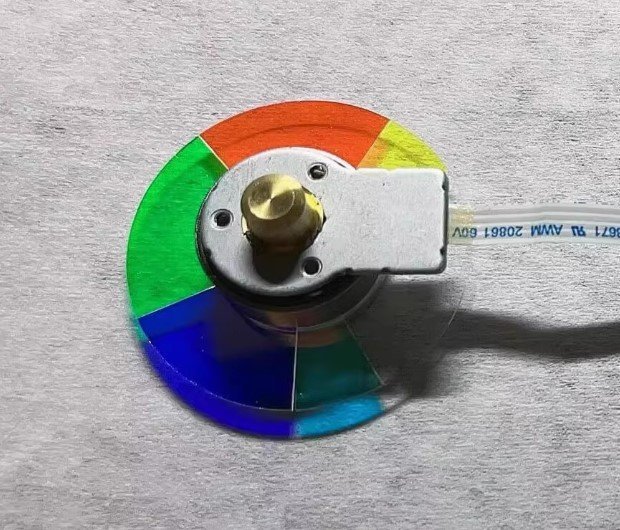
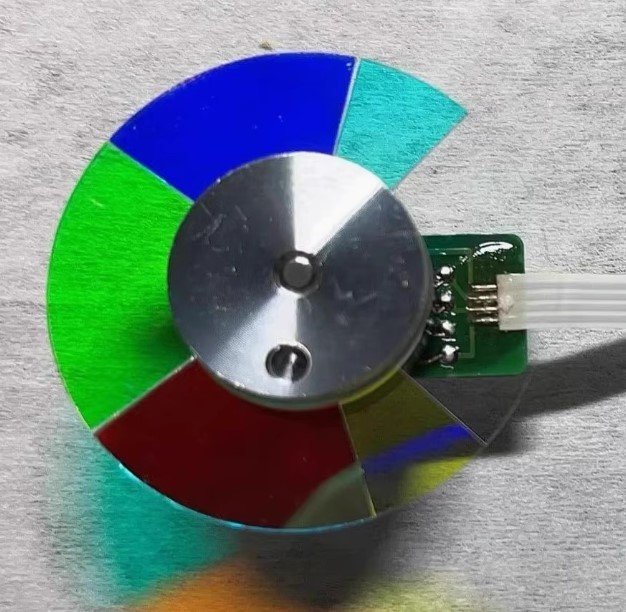
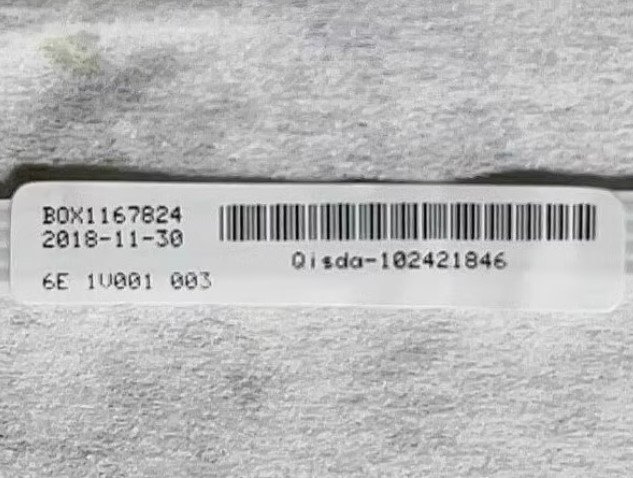
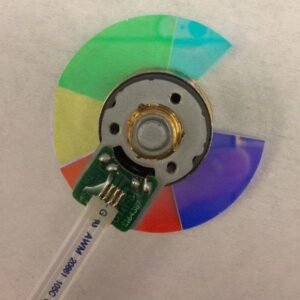
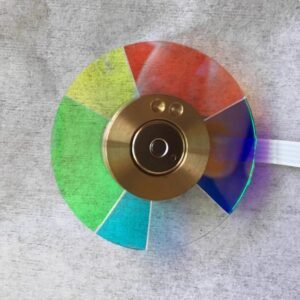
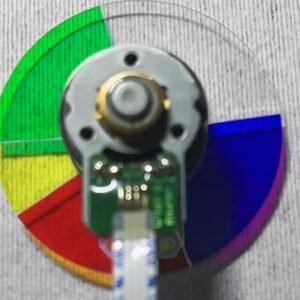
BenQ MX704 shutting down, making grinding noise, or showing weird colors? That’s almost always the color wheel. Replace it with this genuine MX704 color wheel – factory fresh with authentic label 102421846, not a cheap copy. Exact specs: 6 segments, 4x speed, RGBCWY sequence (Red, Green, Blue, Cyan, White, Yellow).
| Compatible Model | BenQ MX704 (Label 102421846) |
| Condition | Brand new, 100% Original BenQ part |
| Segments | 6 – RGBCWY |
| Speed | 4x – balanced for brightness & rainbow reduction |
| Installation | Direct replacement, reuse original housing |
Why RGBCWY & 4x Speed Matter
The MX704 uses RGBCWY timing for reliable XGA presentations. White segment boosts brightness in classrooms and meeting rooms; cyan and yellow improve color accuracy. 4x speed offers balanced rainbow reduction without extra motor wear – ideal for daily use. Wrong wheel will cause startup failure or wrong colors.
Signs Your Color Wheel Is Failing
- Projector shuts down seconds after lamp lights
- Grinding or high‑pitched noise (worse on bright scenes)
- Flickering image or rainbow artifacts
- Washed‑out colors, yellow/pink whites, or orange reds
Replacement takes about 20 minutes. Mounting holes align perfectly; fresh bearing kills noise, factory balance stops vibration. Don’t scrap the whole projector – swap the one part that wears out and get back to reliable XGA performance.
Tip: Verify label 102421846 on your old wheel. Match segment pattern and diameter. Send a photo if unsure.
Reviews
There are no reviews yet.