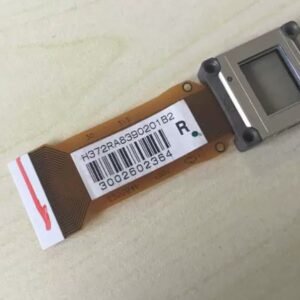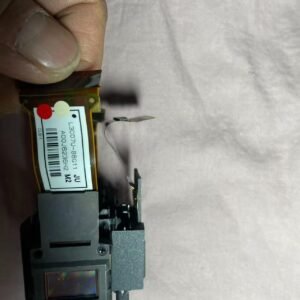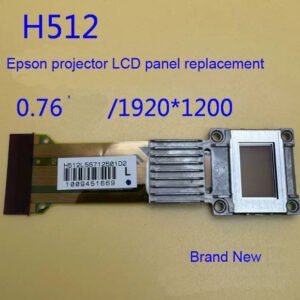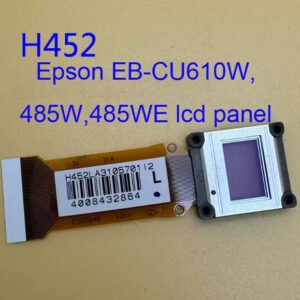
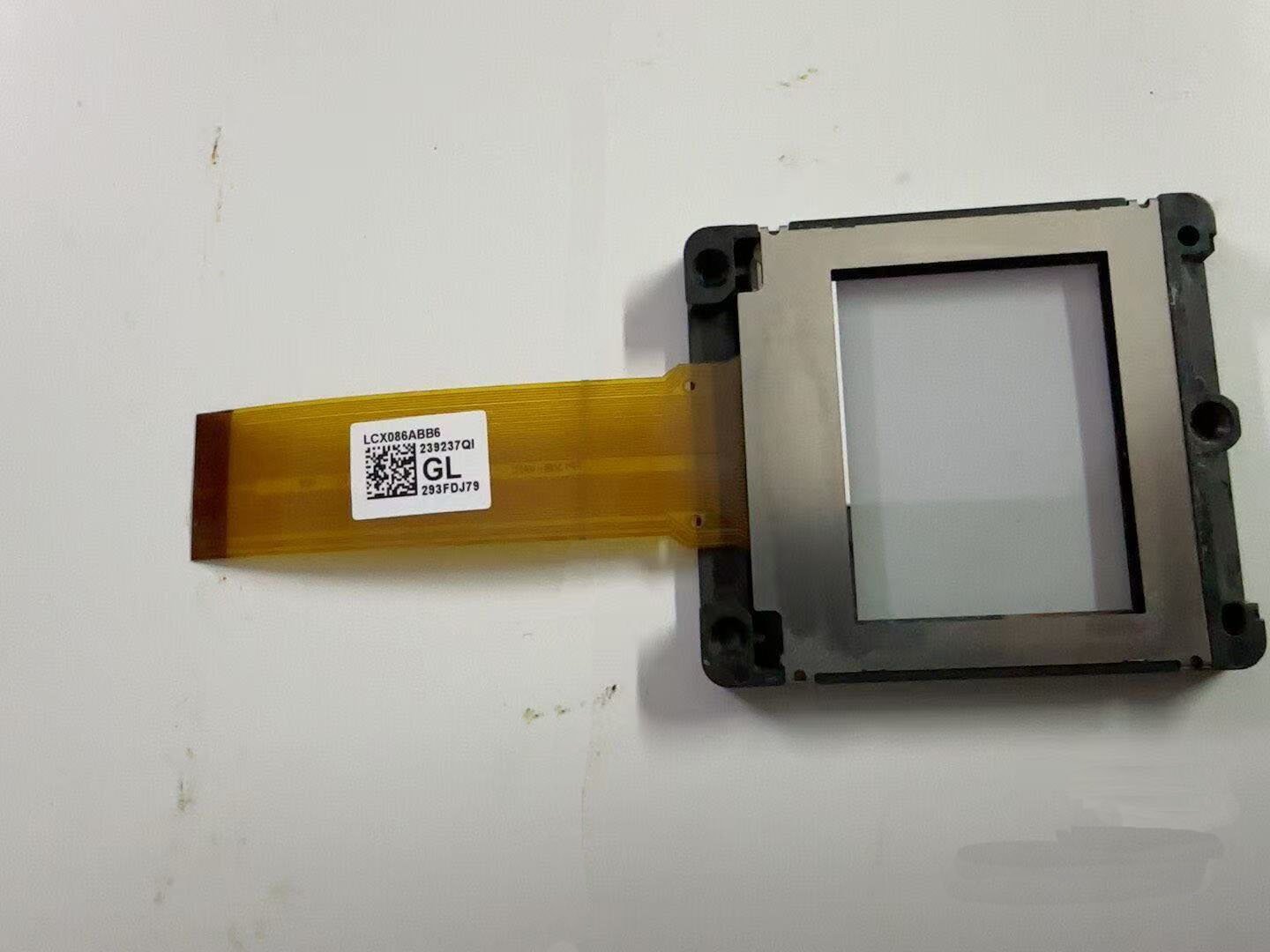
Genuine Panasonic PT‑EX16 Single LCD Panel Replacement
Advanced repair – software convergence adjustment required. This listing is for a genuine Panasonic single LCD panel designed for the PT‑EX16 series high‑brightness installation projectors. The PT‑EX16 uses three separate 1.8‑inch LCD panels (Red, Green, Blue) as part of its 3LCD optical system[reference:0]. This part is a single panel only, not a factory pre‑aligned LCD block. Compatible with Panasonic PT-EX12K
Replacing an individual LCD panel on the PT‑EX16 will require full convergence alignment after installation. Unlike smaller Epson projectors that rely on panel position screws and test patterns, the PT‑EX16 uses an electronic, menu-based panel alignment system. Alignment is performed using the projector’s internal service correction menu, adjusting the position of the replacement panel horizontally and vertically (X/Y shift) until all three colours overlap correctly on-screen.
⚠️ Important servicing notes:
- Requires access to the projector’s service menu and a cross‑hatch test pattern generator.
- Always replace the same colour panel as the faulty unit (Red, Green, or Blue).
- Service documentation is required for correct disassembly, flex cable handling, and proper panel seating.
- Do NOT purchase unless you have 3‑LCD optical block experience and have confirmed that a standard convergence alignment resolves the issue.
| Compatible Models | Panasonic PT‑EX16, PT‑EX16K, PT‑EX12K |
|---|---|
| Panel Size | 46 mm (1.8 inches) diagonal (4:3 aspect ratio)[reference:1] |
| Display Method | Transparent LCD panel (× 3, R/G/B) – polysilicon TFT active matrix system[reference:2] |
| Native Resolution | XGA (1024 × 768) – 786,432 pixels per panel, total of 2,359,296 pixels[reference:3][reference:4] |
| Included Items | Single LCD panel only. Reuse original flex cables, mounting hardware, polarisers and prism block. |
| Installation Requirement | Software convergence adjustment mandatory using projector’s service menu. |
| Skill Level | Advanced – optical block disassembly + service menu alignment experience required. |
| Reference Procedure | See Panasonic “Panel Replacement Service Manual” section titled Procedure to correct introduced problems after replacement[reference:5] |
Why the PT‑EX16’s LCD panel alignment is different
Many standard 3‑LCD projectors rely on small adjustment screws and manual cross‑hatch test patterns sent from an external source. In contrast, the PT‑EX16 features an electronic, on‑board panel alignment correction system. The projector’s firmware stores alignment values for all three LCD panels. After replacing a single panel, you must use the service menu’s panel shift function to enter X (horizontal) and Y (vertical) correction values that align the new panel with the two existing panels. This system is highly precise but requires service‑level training and documentation. Without correct panel alignment, you will see permanent colour fringing, ghosting or severely blurred text.
Typical signs of LCD panel failure on the PT‑EX16
- Dead or stuck pixels – bright spots or dark lines that do not disappear or shift with input changes.
- Colour cast or missing colour channel – the entire image has a red, green or blue tint due to that specific LCD panel failing.
- Vertical banding or non‑uniform brightness – a specific colour channel shows scanning failure or uneven LCD response.
- Burnt or discoloured panel – visible heat damage, brown patches, or physical haze on the LCD surface or polariser film.
- LCD or polariser delamination – cloudy, peeling, or cracked layers that cannot be cleaned.
Restore your 16,000‑lumen Panasonic PT‑EX16 – order the correct 1.8″ panel for your specific colour channel (Red, Green, or Blue).