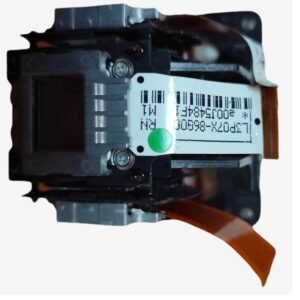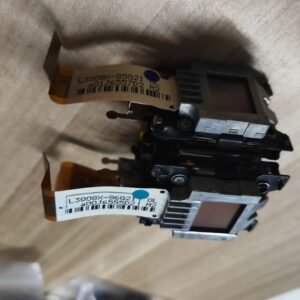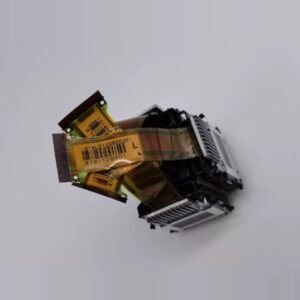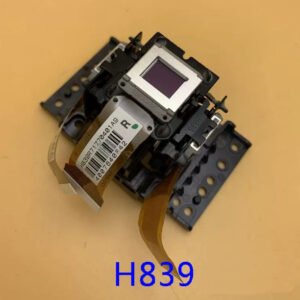
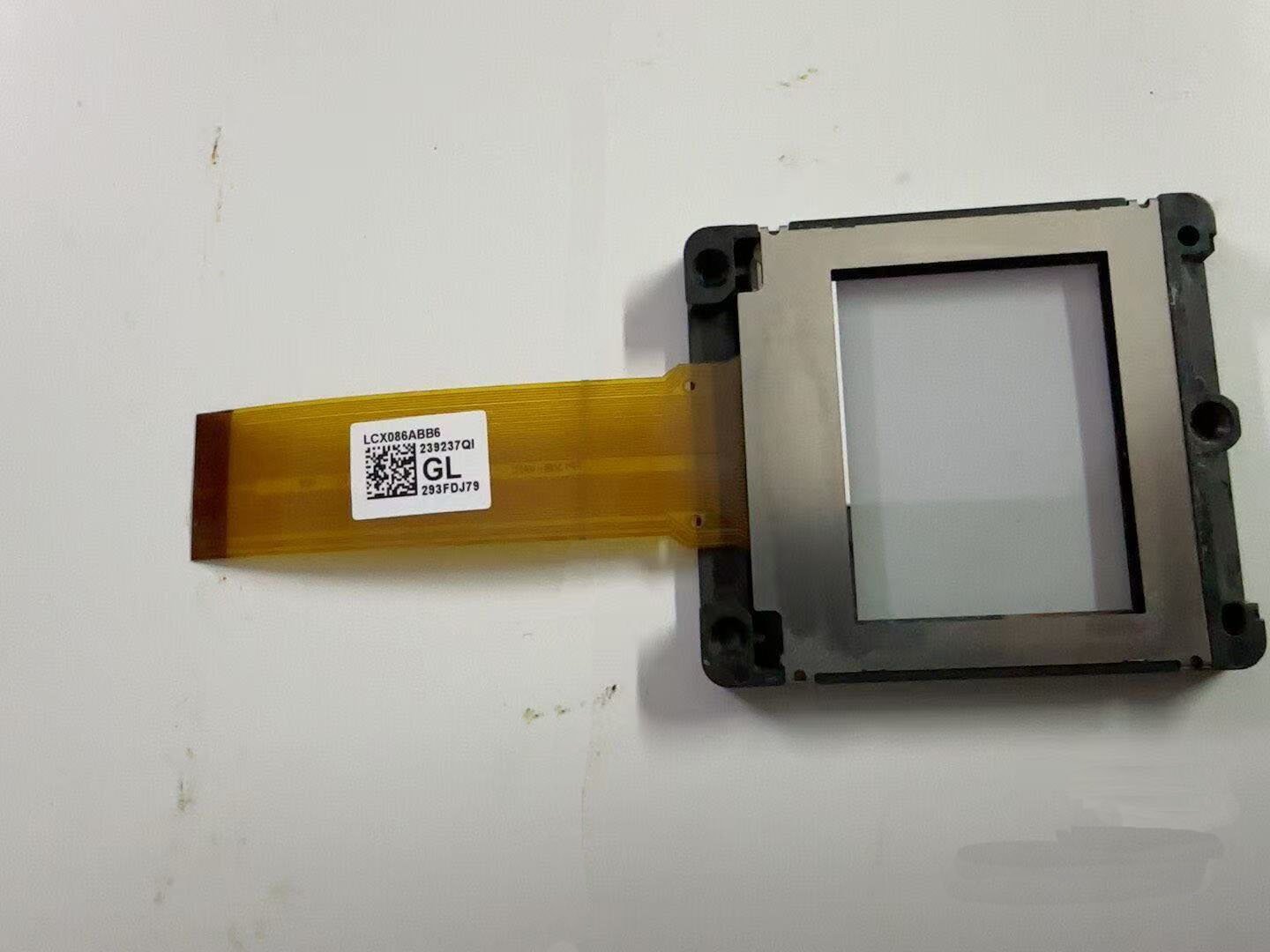
Original Sanyo PLC‑XF47 LCD Panel – 1.8″ (Single Panel, Not LCD Block)
Advanced repair – convergence adjustment required. This is a genuine replacement single LCD panel for the Sanyo PLC‑XF47 high‑brightness installation projector. The PLC‑XF47 uses three separate 1.8‑inch LCD panels (Red, Green, Blue). This listing is for one individual panel. It is not a factory pre‑aligned LCD block.
Replacing a single panel destroys the factory convergence. After installation, you must manually adjust convergence (panel alignment) to restore proper image registration. Do not remove all three panels at the same time – this will make convergence adjustment impossible[reference:0]. If you are not experienced with 3LCD optical block repairs, we strongly recommend using a professional repair shop.
| Compatible Model | Sanyo PLC‑XF47 (also known as PLC‑XF47K / PLC‑XF47 LE3A / KE3‑XF4700) |
|---|---|
| Panel Type | 1.8″ TFT |
| Resolution | XGA (1024 × 768) – part of a 3‑panel system |
| Included Items | Single LCD panel only |
| Installation Requirement | Manual convergence adjustment mandatory after replacement. Use Green as reference standard, align Red and Blue with Green[reference:5]. |
Why convergence adjustment is mandatory
The Sanyo PLC‑XF47 is a 3LCD projector that splits light into independent red, green and blue channels. The factory aligns all three panels to sub‑pixel precision[reference:7]. When you replace a single panel, the new panel will not have the same physical position as the old one. You must mechanically adjust the panel using screws X, Y and Z until all colours overlap perfectly[reference:8].
Use Green as the reference standard. Turn the Red/Blue lines parallel with Green by adjusting screw Z, then use screw X for vertical alignment and screw Y for horizontal alignment[reference:9]. Without proper alignment, you will see colour fringing, ghosting, and blurred edges – particularly visible in high‑contrast content.
Typical signs of panel failure
- Dead or stuck pixels – permanent black/white dots that do not clean off.
- Vertical banding or dark streaks – a specific colour channel shows scanning failure.
- Burnt or browned panel – visible damage on the panel surface after opening.
- Missing colour channel – the whole image has a red, green, or blue cast.
- Delaminated polariser – cloudy or peeling film on the panel surface.
Restore your 15,000‑lumen Sanyo installation projector – order the correct 1.8″ panel for your colour channel (Red, Green, or Blue).