
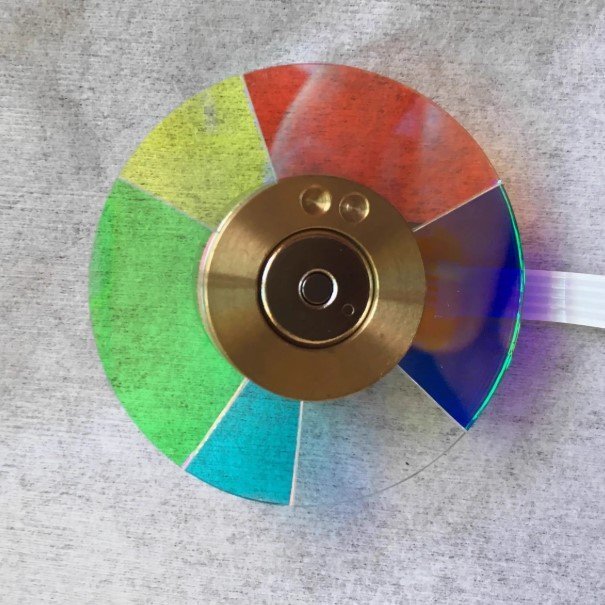
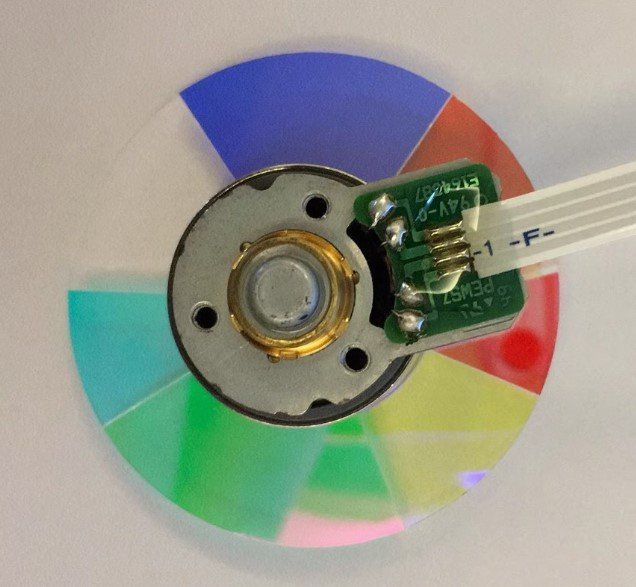
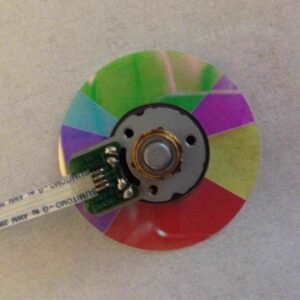
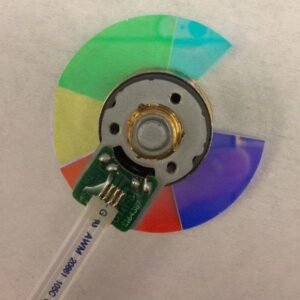
Optoma HD290 Projector Color Wheel – New Original 6 Segment RYGCWB (4x Speed)
When your Optoma HD290 starts acting up — weird color patches, a persistent rainbow shimmer, or that awful high‑pitched whine that changes with the brightness — it’s tempting to think the whole projector is dying. But here’s the truth: nine times out of ten, it’s just the color wheel. And this new original HD290 color wheel is the exact replacement you need to bring it back to life.
This is not a refurbished pull from some other dead machine. It’s not a cheap replica with coatings that delaminate after a few dozen hours. It’s factory‑fresh — same glass thickness, same precision mirror coating, same dynamic balance as the one Optoma installed when your HD290 was brand new. Professional repair shops keep these on hand for a reason.
| Compatible Model | Optoma HD290 (standard HD290 / HD290 series) |
| Condition | New & Original (not refurbished) |
| Segment Configuration | 6 segments |
| Color Sequence | R‑Y‑G‑C‑W‑B (Red, Yellow, Green, Cyan, White, Blue) |
| Rotation Speed | 4x (optimized balance between brightness and rainbow reduction) |
| Installation | Direct replacement – original mounting holes & flex cable |
Why the HD290 needs exactly this 4x RYGCWB wheel
The HD290 uses a 6‑segment RYGCWB color wheel at 4x speed. That sequence — Red, Yellow, Green, Cyan, White, Blue in that exact order — is hard‑timed to the projector’s DLP chip and firmware. A different wheel, even another 6‑segment one, can cause startup failures or permanently mangled colors. The white segment keeps brightness punchy for gaming and everyday viewing, while the cyan segment expands color gamut for more natural video playback. The 4x speed is faster than entry‑level 2x or 3x wheels, which means fewer rainbow artifacts for sensitive viewers, but it’s not as extreme as 6x — it’s the sweet spot for the HD290’s light engine.
Real‑world signs your 4x color wheel is failing
You don’t need a service manual. Listen: a rhythmic grinding or a constant whine that changes pitch when the image brightness changes — that’s a dying bearing. Look: rainbow trails behind fast motion, or colors that suddenly go wild (skin tones look purple, greens turn muddy). And if the projector powers on, the lamp lights, but the screen stays dark or it shuts down after a few seconds — the color wheel has failed its self‑check. A fresh, original 4x RYGCWB wheel fixes every single one of these issues in one straightforward swap.
One repair, years of reliable service back
Swapping a color wheel isn’t rocket science. If you’re comfortable opening your projector and handling a delicate flex cable, you can do this. The new wheel mounts to the original screw holes, and the connector is an exact match. Once installed, the fresh bearing spins silently at 4x speed, the factory balance kills vibration, and the mirror coating delivers the correct spectral response. Your HD290 will pass its startup self‑check and produce clean, stable, accurate colors again. Don’t scrap a perfectly good DLP chip and lamp. Replace the one part that actually wears out, and get back to enjoying your content.
Reviews
There are no reviews yet.